Top Tools and Software for Modern Graphic Designers in 2026
Why the Right Software Defines Your Design Practice
Your choice of design tools shapes everything — not just what you create, but how fast you work, how well you collaborate, and ultimately, what ends up in your portfolio. The wrong software creates friction at every step. The right software disappears into your process.
This matters more now than it did five years ago. Clients expect faster turnarounds. Projects span print, digital, and motion in a single brief. The designers who thrive are the ones who've built a toolkit that matches their actual work — not the toolkit someone told them they were supposed to have.
There's no single answer that fits every designer. A brand identity specialist has different needs than a UI/UX designer or a digital illustrator. What follows is an honest look at the tools that professional designers are actually using in 2026, what they're genuinely good at, and where they fall short.
Industry-Standard Powerhouses: Adobe Creative Cloud
Adobe Creative Cloud remains the closest thing the industry has to a universal language. Photoshop, Illustrator, and InDesign each dominate their respective territory — raster editing, vector illustration, and print layout — and knowing all three is still the baseline expectation at most studios and agencies.
Photoshop handles everything from photo retouching to compositing to texture creation. It's the tool most designers reach for when work involves pixels — product mockups, editorial imagery, web assets that need precise control over light and detail.
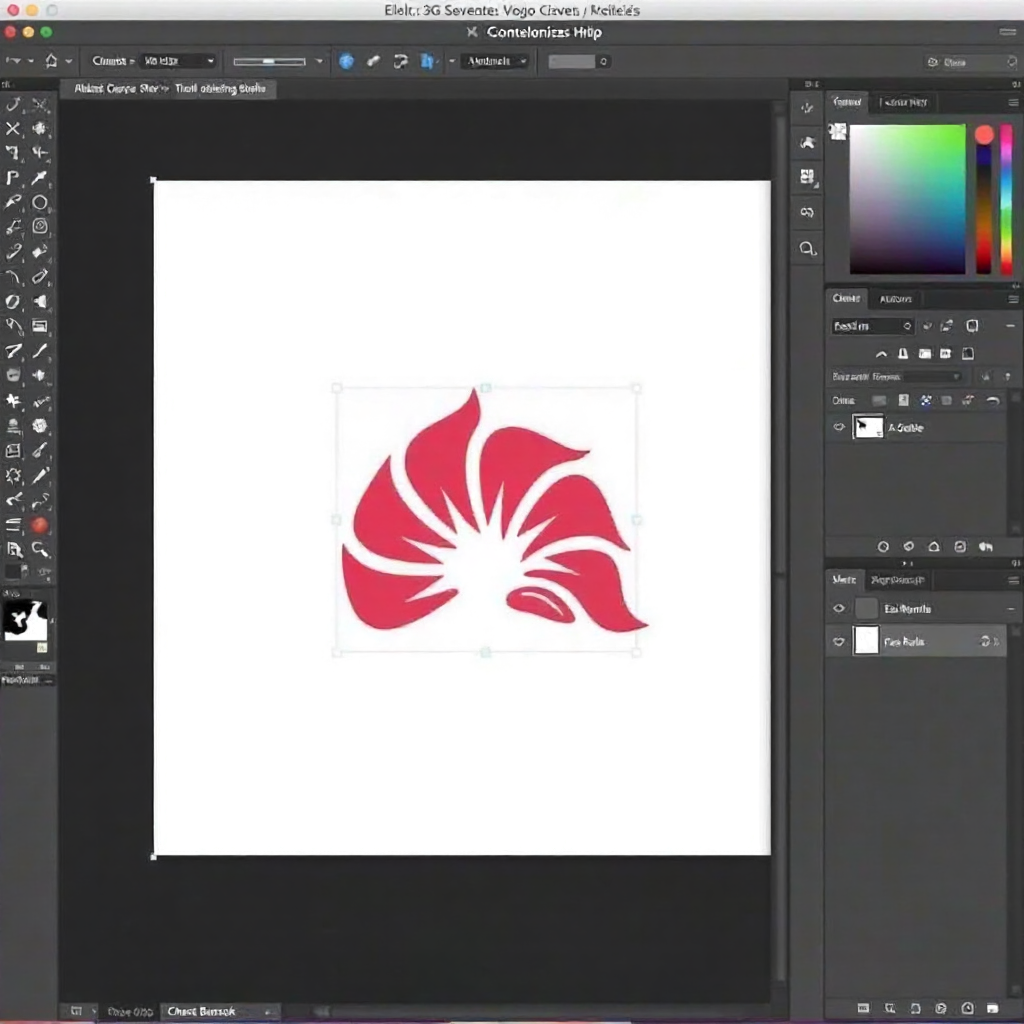
Illustrator is where logo design, icon systems, and scalable vector illustration live. If you're building a brand identity from scratch, Illustrator's Pen tool and anchor-point precision are hard to match. The software has grown significantly in its generative and pattern tools over recent versions, making it more useful for surface design and packaging work too.
InDesign handles multi-page documents — annual reports, editorial layouts, book design, catalogues. Its typographic controls and master page system are genuinely sophisticated, and for print-ready PDF export, nothing in the market competes directly with it.
The honest trade-off: Creative Cloud is expensive, and the subscription model means you're renting access rather than owning software. For freelancers early in their careers, that monthly cost is real. But for designers working with agencies or corporate clients, the ecosystem — shared libraries, cloud documents, integration with Adobe Fonts — justifies it.
The Rise of Figma — Designing for Screens and Collaboration
Figma has become the default tool for UI/UX design, and its influence on how design teams work is hard to overstate. It runs in the browser, updates in real time, and lets multiple designers work on the same file simultaneously — something no desktop-first tool has matched at scale.
For digital-first designers, Figma's component system and auto-layout features have changed the workflow entirely. You build a design system once, and every screen that references those components updates automatically when you change the source. That's not a minor convenience — it's the difference between a two-hour revision and a two-day one.
Figma has also moved into prototyping seriously. Interactive prototypes that feel close to the final product can be shared with clients or developers via a link, without exporting anything. For designers who pitch concepts or hand off to development teams, that capability is now expected, not impressive.
Where Figma has limits: it's built for screen design, and asking it to handle print work, complex illustration, or photo editing is the wrong tool for the job. It also requires a reliable internet connection for full functionality. Designers who work offline or in remote locations sometimes find that frustrating.
Budget-Friendly and Independent Alternatives
The Affinity Suite — Affinity Designer, Affinity Photo, and Affinity Publisher — offers a credible alternative to Adobe's three core applications at a one-time purchase price. For freelancers, students, or designers who've grown tired of subscription fees, it's worth taking seriously.
Affinity Designer handles both vector and raster editing in a single application, switching between modes without launching a separate program. For designers who work across both — say, creating a logo in vector then adding texture effects — that workflow is genuinely smoother than jumping between Illustrator and Photoshop. Affinity Photo rivals Photoshop for most photo editing tasks, and Affinity Publisher has matured into a solid InDesign alternative for layout work.
The limitation is ecosystem depth. Adobe's font library, stock integration, and plugin marketplace are vastly larger. If your clients or collaborators are Adobe-native, file compatibility can introduce small but persistent friction.
Canva Pro occupies a different space. It's not a professional design tool in the traditional sense — it's a template-driven platform optimized for speed and accessibility. For designers who create social media content, presentation decks, or marketing materials at volume, Canva Pro's template library and brand kit features are genuinely useful. Many professional designers keep it in their stack for exactly that kind of fast-turnaround work, even while using Adobe or Affinity for everything that requires precision.
Tools for Illustration and Digital Art
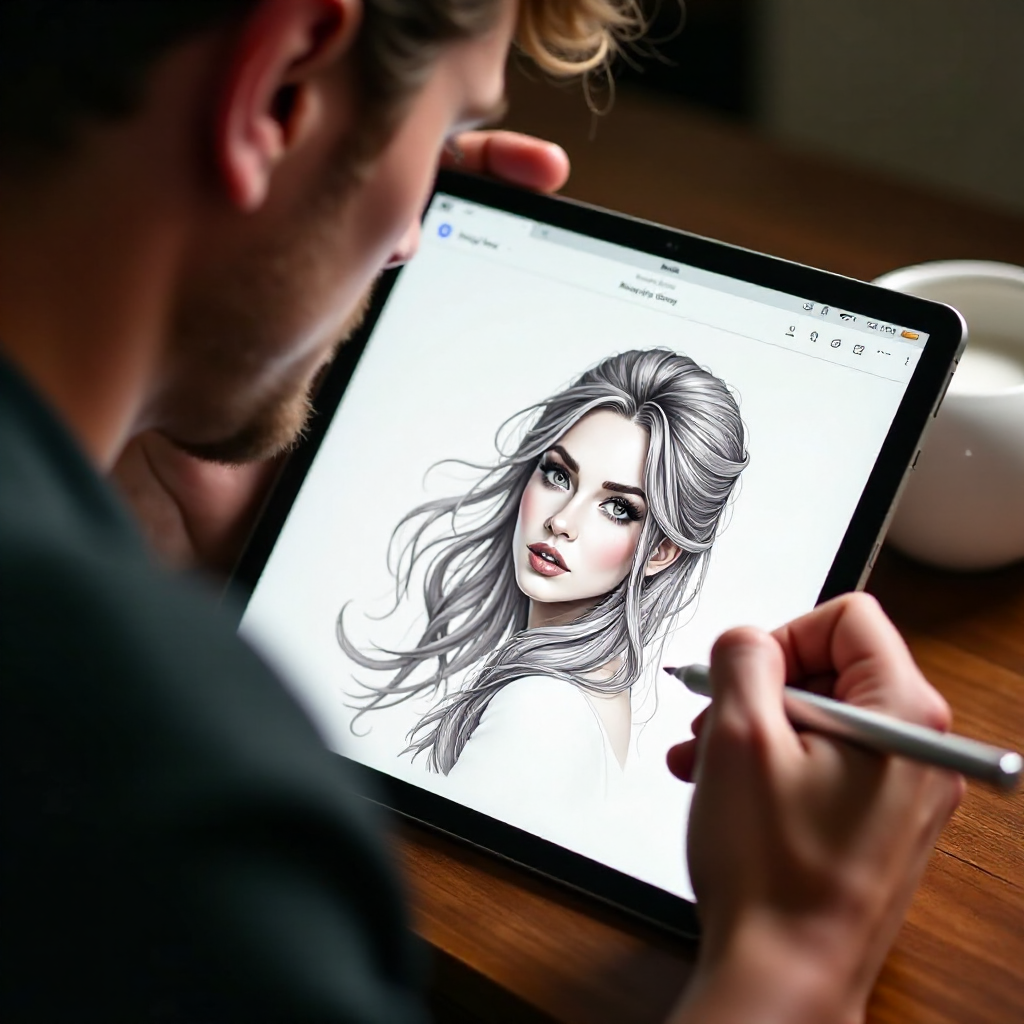
Procreate on the iPad has become the go-to tool for digital illustrators, and for good reason — it combines a natural drawing experience with a surprisingly deep feature set. Brushes feel close to traditional media, the layer system is robust, and the time-lapse recording feature is useful for sharing process work on social platforms or in a portfolio.
For illustrators who blend fine art sensibility with commercial design work — editorial illustration, children's book art, surface pattern design — Procreate fits naturally into a workflow that might also include Illustrator for vector refinement or Photoshop for final compositing. The two workflows complement each other rather than compete.
The constraint is hardware: Procreate is iPad-only, and getting the best out of it requires an Apple Pencil. That's an investment on top of the app cost. But compared to a Wacom tablet setup with a desktop application, the total cost is often lower, and the portability is a real advantage for designers who sketch on location or work across multiple spaces.
Adobe Fresco is worth mentioning as an alternative, particularly for designers already embedded in the Creative Cloud ecosystem. Its live brushes — which simulate watercolor and oil paint behavior — are technically impressive, and files integrate smoothly with Photoshop.
Supporting Tools — Fonts, Asset Management, and Productivity
The tools that hold a design workflow together are rarely the glamorous ones. Font management, file organization, and project communication are where professional practices either run smoothly or quietly fall apart.
Font managers like Suitcase Fusion or the free Font Base let you activate and deactivate typefaces without cluttering your system, preview fonts before activating them, and organize your library by project or style. For designers working with typography-heavy projects — editorial design, brand identity, packaging — this is not optional infrastructure.
Cloud storage matters for asset management. Adobe Creative Cloud Libraries sync assets across applications and devices. For designers outside the Adobe ecosystem, a well-organized Dropbox or Google Drive structure with consistent naming conventions does the same job. The specific tool matters less than the discipline of using it consistently.
Project management tools like Notion, Trello, or Linear help freelancers track client feedback, revision rounds, and deadlines without letting things fall through the gaps. These aren't design tools, but they're part of running a professional design practice.
How to Build Your Personal Design Stack
The best design stack is the one that matches your actual work — not the most expensive one, and not the one with the longest feature list. Start by identifying your primary discipline and build from there.
If you're focused on brand identity and print, Adobe Illustrator and InDesign are hard to avoid. Add Photoshop for photo manipulation and mockup work, and you have a complete print-and-brand toolkit. If the subscription cost is a barrier early on, Affinity Designer and Publisher cover most of the same ground at a lower entry cost.
If your work is primarily UI/UX and digital product design, Figma should be your central tool. Most product teams expect it, and the collaboration features make client communication significantly easier. Supplement with Photoshop or Affinity Photo for asset creation when needed.
If you're an illustrator or digital artist building a portfolio, Procreate is the most natural starting point for drawing and painting. Pair it with Illustrator if you need to produce vector versions of your work for commercial use — logo applications, merchandise, licensing.
One practical principle: avoid accumulating tools you don't use regularly. Every application in your stack has a learning curve, a cost (financial or cognitive), and maintenance overhead. A focused toolkit of two or three well-chosen applications will produce better work than a sprawling collection you're only half-fluent in.
Your portfolio ultimately reflects your tool choices — not because clients care what software you used, but because mastery shows. The designers whose work stands out are the ones who've spent enough time with their tools to stop thinking about them.
Frequently Asked Questions
What software do most professional graphic designers use?
Most professional graphic designers use some combination of Adobe Creative Cloud applications — primarily Photoshop, Illustrator, and InDesign. Figma has become standard for UI/UX and digital product work. The exact stack varies by specialization: illustrators often rely on Procreate, while print designers lean heavily on InDesign.
Is Adobe Creative Cloud still worth the subscription cost?
For designers working with agencies, studios, or corporate clients, yes — the ecosystem integration, font library, and industry-standard file formats justify the cost. For independent freelancers or students, the Affinity Suite offers a one-time purchase alternative that covers most professional needs at a fraction of the ongoing cost.
Can beginners start with free or low-cost design tools?
Absolutely. Canva's free tier, GIMP for raster editing, and Inkscape for vector work are all genuinely capable starting points. Figma also offers a free plan with meaningful functionality. Starting with lower-cost tools while learning fundamentals is a reasonable approach — you can migrate to professional software once you know what you actually need.
What is the best tool for logo and brand identity design?
Adobe Illustrator is the industry standard for logo and brand identity work, primarily because of its precise vector editing capabilities and the universal compatibility of its file formats. Affinity Designer is a strong alternative. Both produce the scalable, format-flexible files that logo design requires.
Do I need multiple tools, or can one software handle everything?
In practice, most working designers use at least two or three tools. No single application handles print layout, UI design, photo editing, and illustration equally well. That said, you don't need everything — a focused two-tool stack built around your primary work type will serve you better than a broad collection you use inconsistently.