How to Build a Stunning Graphic Design Portfolio That Gets You Hired
In the design industry, your portfolio speaks before you do. Before a hiring manager reads your résumé or an art director takes your call, they've already formed an opinion based on what they see on your portfolio site. Getting that first impression right isn't just helpful — it's the whole game.
Why Your Portfolio Is Your Most Powerful Career Tool
A graphic design portfolio is the single most influential factor in landing design work — more than your degree, your résumé, or even your years of experience. Employers and clients hire based on what they can see you do, not what you claim you can do.
Think about it from the other side of the table. An art director reviewing fifty applicants doesn't have time to decode a list of job titles and software skills. They want to open a link and immediately understand your aesthetic sensibility, your range, and whether your work fits what they need.
This is also why the portfolio itself is a design project. How you organize your work, the visual hierarchy of your pages, the clarity of your navigation — all of it signals your design thinking. A cluttered or confusing portfolio undermines confidence in your abilities, even if the individual pieces are strong.
Choosing the Right Work to Include
Quality over quantity is the rule for project selection — aim for 6 to 10 strong pieces rather than 20 mediocre ones. Every project you include should earn its place by demonstrating a specific skill or reinforcing your positioning in a design discipline.
Start by identifying your target audience. Are you pursuing brand identity work? UX/UI roles? Editorial illustration? The projects you feature should reflect the type of work you want to be hired for, not every project you've ever completed. If you're applying for a packaging design role and your portfolio leads with social media graphics, you're making the hiring manager do extra work to see your fit.
A useful filtering question: would you be proud to defend this piece in an interview? If the answer is uncertain, leave it out. Work samples should represent your current skill level, not where you were two years ago.
One more thing — don't hide your best work. Lead with it. Visitors rarely scroll to the bottom, so your first two or three projects need to be your strongest.
How to Present Projects as Case Studies, Not Just Pretty Images
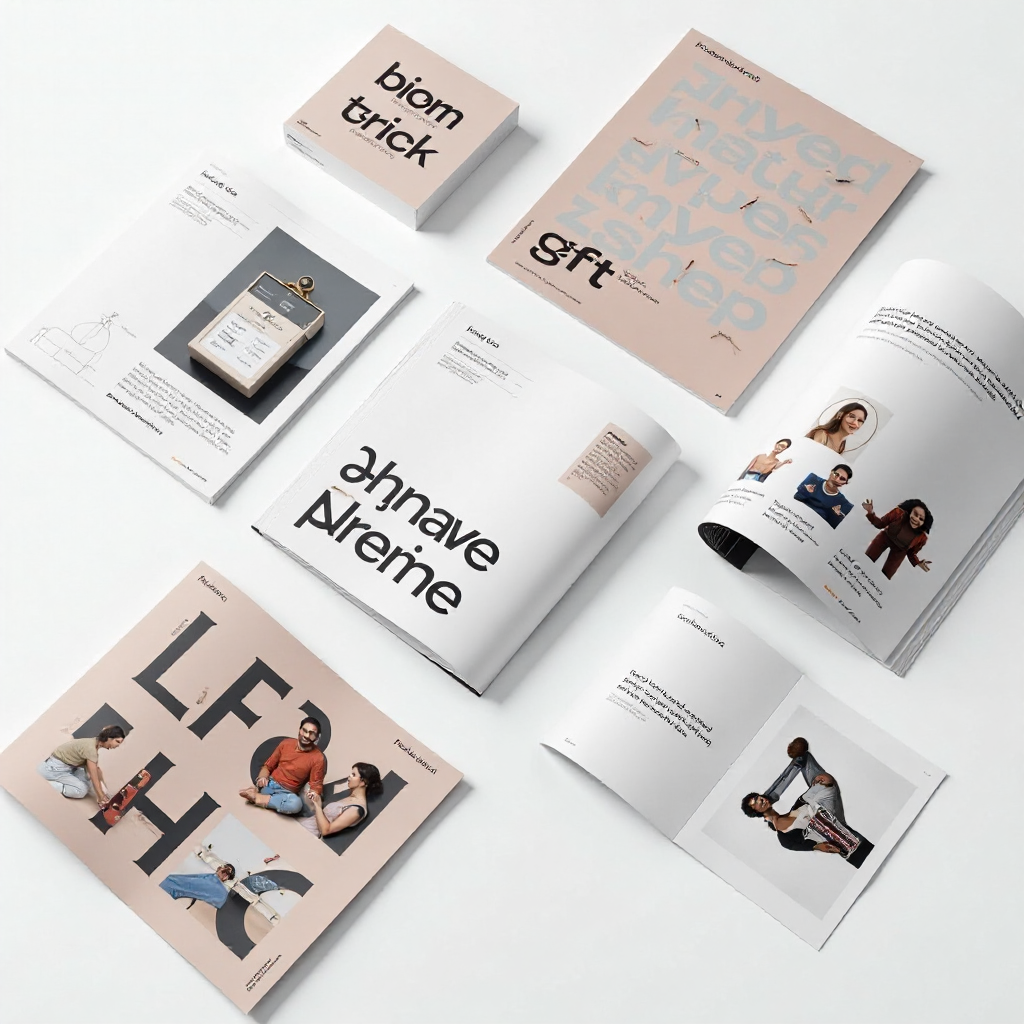
The difference between a good portfolio and a great one is usually context. Showing finished visuals is necessary, but walking through the problem, your process, and the outcome turns a pretty image into evidence of design thinking.
Structure each project as a brief case study with three core elements:
- The brief or problem: What challenge were you solving? Who was the client or audience?
- Your process: Sketches, iterations, decisions you made and why — even a few sentences here adds significant depth.
- The outcome: Final deliverables, and where possible, results (a rebrand that increased brand recognition, a packaging redesign that improved shelf visibility).
This format does two things. It proves you think strategically, not just aesthetically. And it gives hiring managers something to ask about in an interview, which is exactly where you want the conversation to go.
Keep the writing tight. A case study doesn't need to be an essay — three to five short paragraphs alongside your visuals is usually enough. The goal is to make your reasoning visible, not to overwhelm with text.
Picking the Best Platform for Your Portfolio
The right portfolio platform depends on your goals, technical comfort, and the type of work you do. There's no single correct answer, but there are clear trade-offs worth understanding.
Behance is free, widely used, and has built-in discoverability — other designers and some recruiters browse it actively. It's a solid starting point, especially if you're early in your career. The limitation is that your portfolio looks like everyone else's on the platform, which makes differentiation harder.
Adobe Portfolio is included with Creative Cloud subscriptions and connects directly to Behance. It offers cleaner, more customizable layouts than Behance itself and works well for designers who want a simple personal site without managing hosting.
A custom personal website — built on platforms like Squarespace, Cargo, or with a developer — gives you full control over layout, branding, and UX. This is the strongest signal of professionalism, and it lets your portfolio design itself become part of your pitch. The trade-off is time and cost.
A PDF portfolio still has a place, particularly for in-person interviews or when a recruiter specifically requests one. Keep it under 20 pages and optimize file size — nobody wants to wait for a 50MB download to open.
For most designers actively job-seeking, a combination works best: a personal website as your primary presence, with Behance as a secondary discovery channel.
Crafting a Personal Brand That Makes You Memorable
Personal branding in a design portfolio means visual consistency, a clear point of view, and an about page that actually sounds like a human wrote it. Together, these elements tell employers who you are beyond your work samples.
Visual consistency starts with your portfolio's design itself — your typography choices, color palette, and layout rhythm should feel intentional. If you specialize in minimalist brand identities, a cluttered portfolio with five different fonts sends a contradictory message.
Your designer bio deserves real attention. Most about pages read like a résumé summary, which wastes the opportunity. Write in first person, mention your design philosophy or what draws you to your specialty, and include something specific — the kind of detail that makes you memorable. "I design brand identities for independent food businesses" is more compelling than "I'm a passionate designer with 5 years of experience."
Don't forget a clear call to action. Every portfolio page should make it easy for a visitor to contact you, download your résumé, or view your full project list. Bury that information and you lose opportunities from people who were genuinely interested but couldn't figure out the next step.
Common Portfolio Mistakes to Avoid
Even strong designers undermine their portfolios with avoidable errors. Here are the ones that come up most often when hiring managers discuss what turns them off.
Including too much work. More projects don't signal more experience — they signal poor curation judgment. If you can't edit your own portfolio, it raises questions about your editing decisions in client work. Cut ruthlessly.
No context or process documentation. Dropping finished images without explanation leaves the viewer guessing. As covered earlier, even a brief description of the brief and your approach transforms how work is perceived.
An outdated portfolio. Showing work from five years ago as your primary examples suggests you haven't grown or haven't worked recently. If your recent work isn't strong enough yet, invest time in personal or spec projects specifically to update your portfolio.
A weak or missing about page. Some designers skip this entirely or write three generic sentences. This is a missed opportunity to establish personality and trust — two things that influence hiring decisions more than most designers realize.
How to Keep Your Portfolio Working for You Long-Term
A portfolio isn't a document you finish and file away — it's a living tool that should evolve with your career. Treat it that way and it will consistently open doors; neglect it and it quietly closes them.
Set a reminder every three to six months to review what's in your portfolio. Add new projects, retire weaker older ones, and update your bio to reflect where you are now. This habit takes less than an hour when done regularly and prevents the panic of needing to overhaul everything when a good opportunity appears.
Tailor your portfolio for specific opportunities when the stakes are high. If you're applying to an agency known for editorial work, move your most relevant projects to the front. Most platforms make reordering easy. This kind of targeted curation signals that you've done your research and understand what the role requires.
Track how visitors interact with your portfolio if your platform supports analytics. Knowing which projects get the most time and which pages cause drop-off helps you make informed decisions about what to emphasize or improve.
Your portfolio is never truly finished, and that's the point. The designers who consistently get hired are the ones who treat their portfolio as seriously as any client project — with intention, iteration, and a clear sense of who it's for.
Frequently Asked Questions
How many projects should I include in my graphic design portfolio?
Most hiring managers recommend 6 to 10 projects. Fewer than 5 can feel thin; more than 12 risks diluting your strongest work. Focus on projects that directly reflect the type of role or client you're targeting.
Should I include student or personal projects if I have limited professional experience?
Yes — strong student work and personal projects are legitimate portfolio pieces, especially early in a career. What matters is quality and presentation, not whether a client paid for it. Frame personal projects clearly and treat them with the same case study structure you'd use for client work.
Do I need a custom website, or is Behance enough?
Behance is a reasonable starting point, but a personal website signals a higher level of professionalism and gives you full control over how your work is presented. If you're actively job-seeking at a competitive level, a personal site is worth the investment.
How do I write a compelling designer bio?
Write in first person, be specific about your specialty or approach, and avoid generic phrases like "passionate designer." Include what draws you to your discipline and what kind of work or clients you're most interested in. One strong paragraph is better than three vague ones.
Can I include work done under an NDA or for an employer?
Sometimes. Check your contract or NDA terms carefully. In many cases, you can show the work privately (password-protected pages) or describe the project without revealing confidential details. When in doubt, ask the client or employer for permission — most will grant it if you ask professionally.