Best Platforms for Online Portfolios: How to Showcase Your Design Work
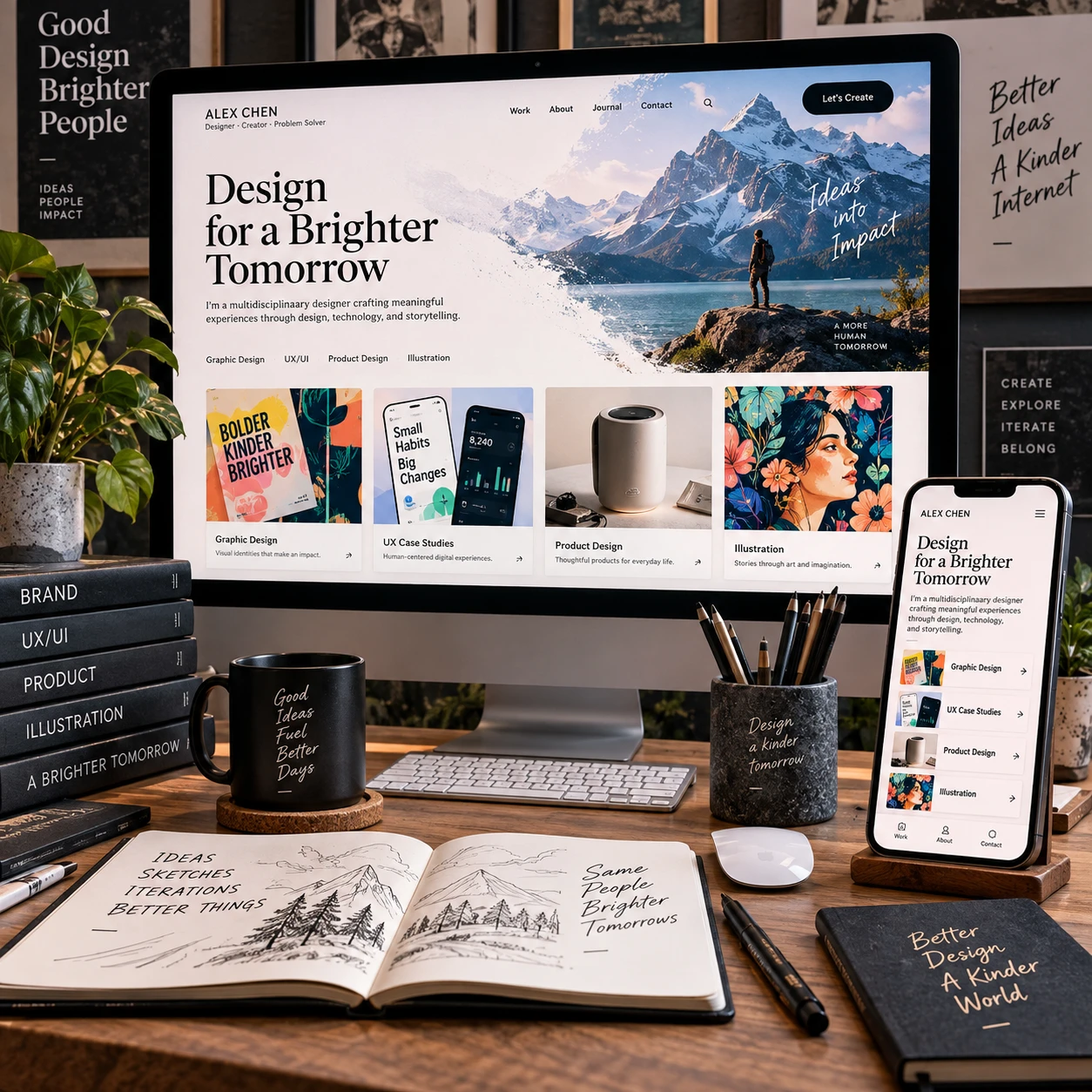
A strong online portfolio makes it easy for the right people to understand what you do and how you think. The best platform is the one that presents your work clearly, fits your design discipline, and remains manageable as your projects change.
What Makes a Strong Online Portfolio Platform?
A strong online portfolio platform lets you present work clearly, customize the experience, and update projects without unnecessary effort. It should support the kind of content you make and help visitors move from a quick visual impression to a deeper understanding of your process.
Start with presentation: can the portfolio display images, video, prototypes, or long-form case studies at the quality your work needs? A project gallery may suit an illustrator, while a UX designer may need room for research, iterations, and outcomes. Check how pages look on desktop and mobile, since recruiters and clients may view either.
Next, assess customization and usability. A portfolio website builder with flexible templates can help you launch quickly, but a highly restrictive template may make several designers’ sites look alike. Content management matters too: consider how easy it is to add a project, revise copy, reorder work, and keep older pages consistent.
Finally, consider publishing needs. A custom domain gives your portfolio a professional, memorable address, while built-in hosting and simple editing can reduce maintenance. Make a short list of must-haves before comparing platforms; otherwise, a long feature checklist can distract from the central question: can this tool show your work well?
Best Platforms for Online Portfolios
The best online portfolio platforms fall into a few useful categories: dedicated portfolio services, flexible website builders, and open-source content management systems. Each offers a different balance of speed, control, and upkeep, so choose by fit rather than by a universal ranking.
Dedicated portfolio platforms
These services are designed around project presentation, often with portfolio templates, project pages, and gallery layouts ready to customize. They can be a practical choice for creatives who want to publish quickly and spend more time refining work than maintaining a website. The trade-off is that layout options, branding, or advanced content structures may be limited by the service.
General website builders
A general-purpose portfolio website builder usually offers broader control over page layouts, typography, navigation, and custom domains. It can work well when you want a distinct visual identity or need pages beyond a project gallery, such as a services page or journal. More flexibility can mean more setup decisions, so check whether you are comfortable managing the design system and updates.
Content management systems
A content management system (CMS) is useful when your portfolio will grow, change often, or need structured project entries. A CMS can organize case studies and other content consistently, but it may require more configuration, maintenance, and attention to hosting or updates than a hosted portfolio service.
Compare platforms by testing one real project in each option you are considering. Add a large image, a short project summary, and a detailed case study. That small trial reveals whether the editor supports your actual work better than a feature list does.
Choose a Platform for Your Design Discipline
The right portfolio platform depends on your discipline because different design work needs different kinds of evidence. Graphic design may depend on visual impact, while UX/UI and product design often need a clear account of decisions, constraints, and outcomes.
- Graphic designers: Look for crisp image display, flexible project galleries, and control over how work is grouped. Include context for each piece, such as the audience, brief, or intended use, so a collection does not feel like a folder of disconnected images.
- UX/UI designers: Choose a platform that handles long case studies, process images, and embedded prototypes or video. Make sure the mobile reading experience remains comfortable, even if the prototype itself is best explored on a larger screen.
- Product designers: Prioritize project pages that can explain the problem, your role, key trade-offs, and what changed through iteration. The platform should support a logical narrative without making visitors scroll through a wall of text.
- Illustrators: Favor strong image presentation, galleries, and simple ways to organize work by style, subject, or format. Large visuals matter, but the page should still load and navigate smoothly on mobile.
Some designers work across disciplines. In that case, use a clear homepage to introduce your range, then group projects into focused collections. The goal is to make breadth legible without asking visitors to guess which work is most relevant to them.
Essential Features to Compare
When comparing portfolio platforms, check templates, project organization, custom-domain support, responsive design, and the editing workflow. These practical details affect both how visitors experience your work and how likely you are to keep the portfolio current.
- Templates and customization: Look for layouts that suit your content and allow control over type, spacing, color, and image placement. A polished template is a useful starting point, but it should not force every project into the same shape.
- Project organization: Decide whether you need a simple project gallery, categories, tags, or dedicated case-study pages. A clear structure helps visitors find relevant work without excessive clicking.
- Custom domain: Confirm whether you can connect a domain you own and whether the setup fits your comfort level. A custom domain is helpful for a professional identity, but it does not compensate for unclear projects or weak presentation.
- Responsive design: Preview pages on a phone and tablet, not only in a desktop editor. Check image cropping, text size, navigation, and whether interactive elements remain usable.
- Editing and content management: Try adding and rearranging a project. If routine updates feel fiddly, the site may become outdated even if it looked impressive at launch.
Also review accessibility basics: meaningful image descriptions, readable contrast, clear link labels, and headings that make pages easy to scan. These choices improve usability for more visitors and encourage a more thoughtful portfolio structure.
How to Make Your Portfolio Work Stand Out
Your portfolio stands out when it presents a small, relevant selection of projects and explains the thinking behind them. Strong platform features help, but the sequence, context, and clarity of your work do more to shape a visitor’s impression.
Choose projects for relevance, not volume. Lead with work that reflects the opportunities you want, and make your individual contribution clear, especially for collaborative projects. A project gallery can create an immediate visual impression; a case study shows how you approached a problem and made decisions.
For each case study, use a simple structure:
- Context: State the brief, audience, and problem in a few sentences.
- Role: Explain what you owned and who else contributed.
- Process: Show key decisions, iterations, and constraints, rather than documenting every step.
- Outcome: Describe what shipped or changed. Use a specific result when you can verify it; do not imply that a design alone caused a business outcome.
Guide visitors through the work with descriptive project titles, short introductions, and clear links to the next relevant project. Use images to explain decisions, not as decoration. A screen showing a before-and-after flow, for example, needs a caption that tells readers what changed and why.
Choosing the Right Platform for You
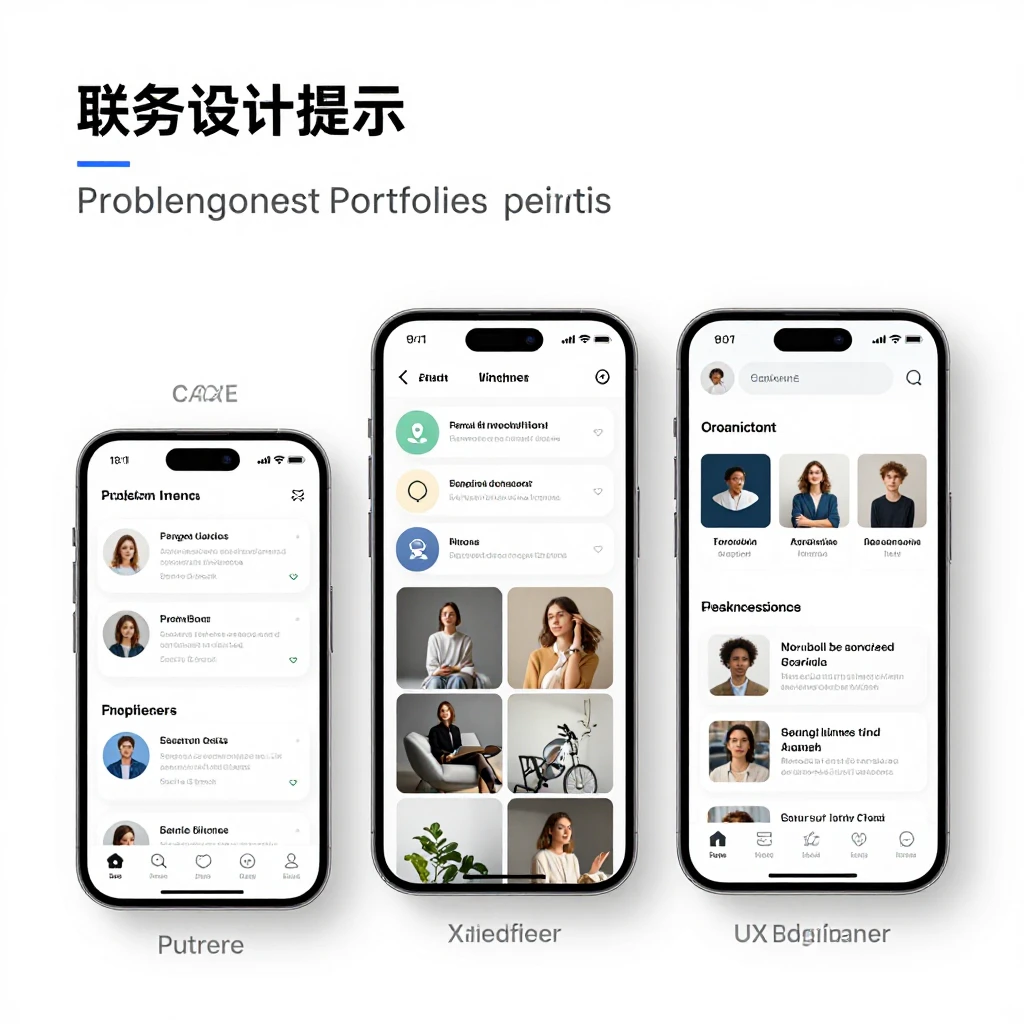
Choose an online portfolio platform by matching your goals, skills, budget, and maintenance preferences to its strengths. A quick decision framework is to ask what you need to show, how much control you need, and how often you expect to update it.
- Define the job of the portfolio. Are you applying for roles, attracting clients, or documenting a broad body of work? The answer determines whether case studies, galleries, or service information should lead.
- Set your control level. If speed and simplicity matter most, a dedicated service may be enough. If you need custom layouts or a distinctive brand, consider a more flexible builder or CMS.
- Test the editing experience. Build one representative project and check the result on mobile. Include the content you actually use, not placeholder images.
- Check the full cost and upkeep. Review the platform’s current plan details, domain arrangements, and any maintenance needs directly before committing. Pricing and included features can change.
One common mistake is choosing a platform because it offers the most options. Extra control can bring more setup and ongoing work, so it pays off only if you will use it. Another is selecting a template before deciding how projects should be organized. Sketch the structure first, then find a design that supports it.
Frequently Asked Questions
These answers cover common decisions about what to include, how to publish, and how much work an online portfolio needs. Use them as starting points, then tailor the portfolio to the audience you want to reach.
What should a design portfolio include?
A design portfolio should include selected projects, clear descriptions of your role, relevant process, and outcomes you can support. Add contact information and a brief introduction so visitors know what you do and how to reach you.
Do I need a custom domain for my portfolio?
A custom domain is useful because it is easy to share and supports a consistent professional identity. It is not essential to publish, though; prioritize clear work and reliable presentation if you are starting on a platform-provided address.
Should I use a portfolio platform or build a website from scratch?
Use a portfolio platform if you want a faster setup and manageable editing. Build from scratch when you need specific functionality or full technical control and can maintain it. For many designers, a customizable builder or CMS offers a workable middle ground.
How many projects should an online portfolio feature?
There is no fixed ideal number. Include enough strong, relevant projects to show your range and judgment, but remove pieces that repeat the same skill without adding new evidence. A concise selection is easier to review than a large archive with no clear priorities.